Why Spine Health Matters in the Modern Office
More than 80 % of U.S. jobs are sedentary, and about one‑quarter of adults stay inactive outside work, making back and neck pain common. Slouching and rounded shoulders compress intervertebral discs, increasing the risk of degeneration, herniation, and nerve irritation. Maintaining a neutral spine—feet flat, knees at 90°, lumbar support, and monitor at eye level—keeps weight evenly distributed and preserves the natural S‑curve. Ergonomic tweaks such as adjustable chairs, keyboard‑mouse alignment, and regular micro‑breaks reduce disc pressure, improve circulation, and lower the likelihood of chronic discomfort, supporting overall health and productivity. These practices reduce fatigue, and lower costs for employers.
When Back Pain Requires Time Off and How to Get Proper Clearance
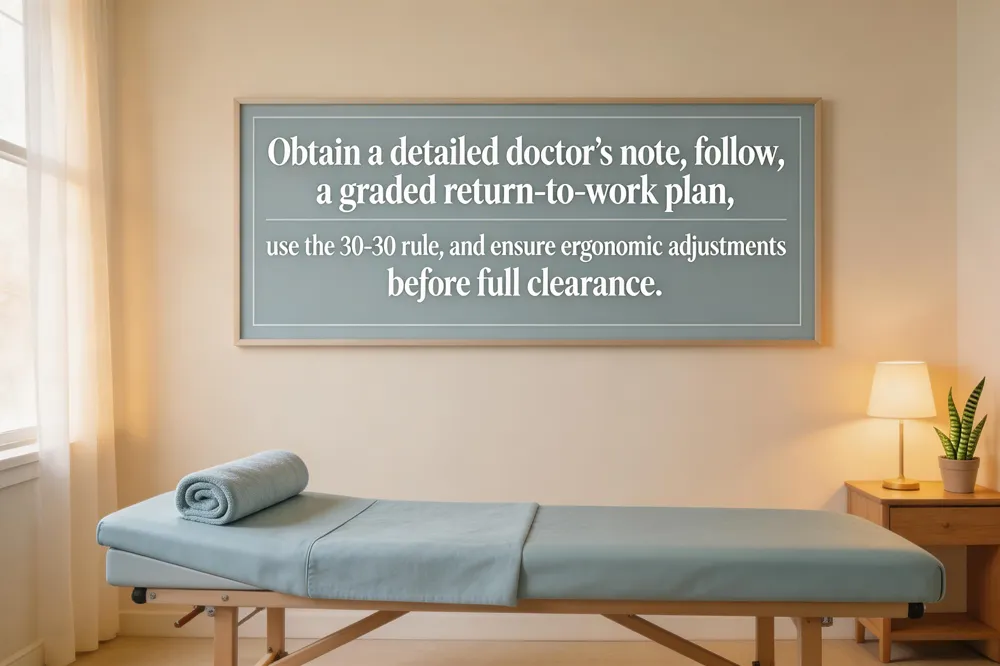 Experiencing back pain at work often means a medical evaluation before returning to duties. Schedule an appointment with a qualified professional—such as chiropractor Dr. Allison Ross—who will document symptom severity, imaging results, and functional limitations. A thorough doctor’s note should list the diagnosis, recommended time off or modified duties, activity restrictions (e.g., no lifting over 10 lb), and suggested ergonomic changes like lumbar support or monitor height adjustment. Submit this document to HR and keep a copy for personal records.
Return‑to‑work planning follows a graded approach: start with light tasks, gradually increase hours, and reassess pain weekly. Incorporate the 30‑30 rule—30‑minute work blocks followed by a 30‑second stretch—to maintain spinal mobility. Gender‑specific factors matter; women may experience hormonal ligament laxity and a more pronounced lumbar curve, so extra lumbar support and core‑strengthening exercises are advised.
If pain is acute, most recover within 1–2 weeks; moderate strains may need 4–6 weeks of phased duties. Persistent pain beyond 6 weeks warrants a personalized rehabilitation program and possibly custom orthotics before full clearance.
Building an Ergonomic Workstation: Desk, Chair, and Monitor Setup
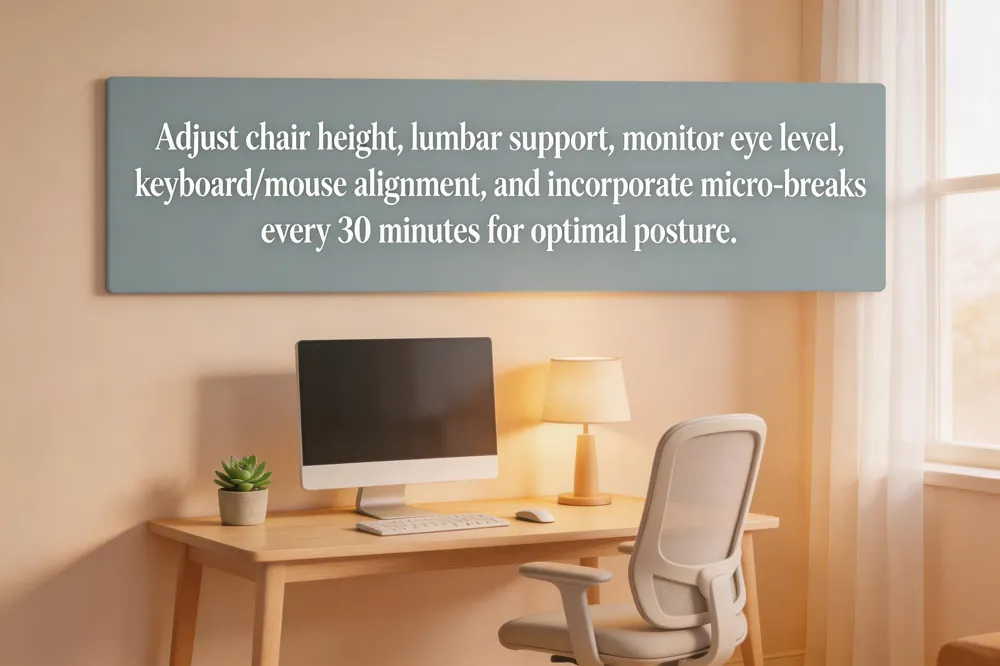 Start by adjusting the chair so your feet rest flat (or on a footrest) and your knees form a 90‑degree angle; a lumbar pad that follows the natural curve of the lower back keeps the spine in neutral alignment. Position the monitor an arm’s length away with the top of the screen at or just below eye level; for dual‑monitor work place the primary screen directly in front and the secondary beside it at the same height and a slight inward tilt. Keep the keyboard and mouse on the same surface at elbow height, elbows close to the body, wrists straight, and forearms parallel to the floor to avoid shoulder and wrist strain. Add accessories such as a wrist‑support pad, document holder, and anti‑fatigue mat, and use a headset for phone calls to prevent neck flexion. Follow a quick ergonomic checklist—chair height, lumbar support, monitor eye level, keyboard/mouse alignment, and regular micro‑breaks every 30 minutes—to maintain a healthy posture throughout the day.
Movement Breaks, Rules, and Daily Micro‑Activities
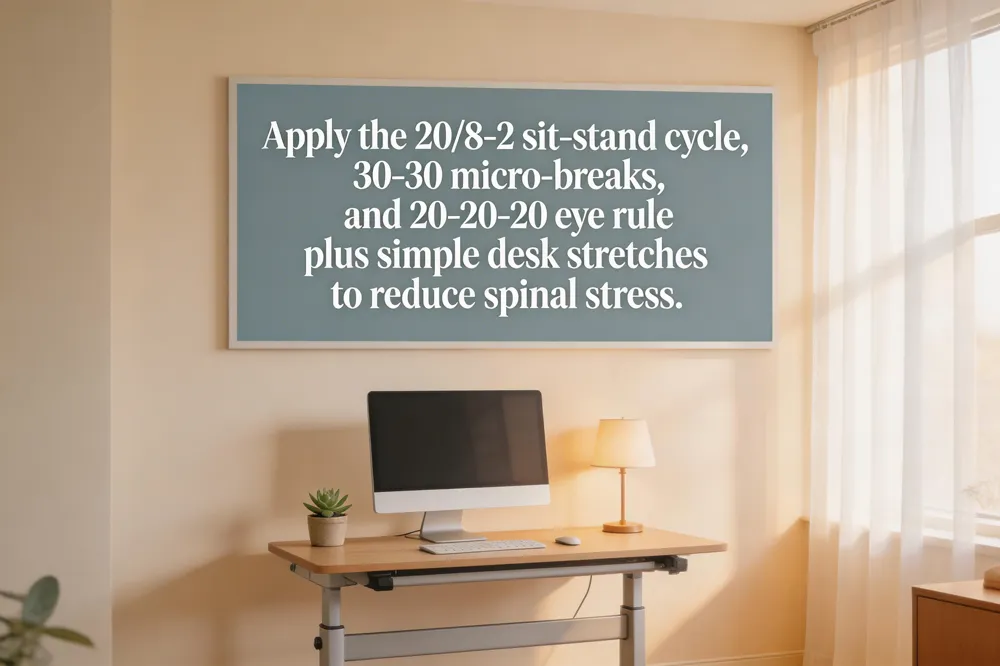 Implementing regular movement is the cornerstone of spinal health for desk‑bound workers. The 20/8‑2 rule for sit‑stand desks suggests dividing each half‑hour into 20 minutes seated, 8 minutes standing, and 2 minutes of light activity such as stretching or walking in place. This rhythm breaks up prolonged sitting while avoiding standing fatigue. Complementary to this, the 30‑30 rule calls for a 30‑second micro‑break every 30 minutes of continuous work; stand, stretch, or walk briefly to restore circulation and reduce muscle tension. To protect the eyes and encourage posture changes, follow the 20‑20‑20 rule: every 20 minutes look at something 20 feet away for 20 seconds. Simple desk stretches—shoulder‑blade squeezes, seated spinal twists, cat‑cow motions, and neck rolls—can be performed during these breaks to relieve upper‑back strain. If upper‑back pain persists, adjusting monitor height, using lumbar support, and incorporating core‑strengthening exercises are recommended. Chiropractic care can further address lingering discomfort through adjustments and myofascial release. These strategies together reduce spinal stress and support long‑term wellness.
Targeted Exercises and Core Strength for Desk Workers
 Core‑stability exercises are the foundation for a healthy spine at a desk. The “Big 3” for lower‑back pain – curl‑up, side plank, and bird‑dog – keep the lumbar spine neutral while strengthening deep abdominal and multifidus muscles. Begin each session with a gentle cat‑camel stretch, then perform the Big 3 for 8‑12 reps each, 2‑3 times per week.
Upper‑back relief routines include seated shoulder‑blade squeezes, chest‑openers, and thoracic extensions on a foam roller. Lower‑back relief can be achieved with glute bridges, pelvic tilts, and standing lumbar extensions. Spread movement evenly: stand, stretch, or walk for 1‑2 minutes every 30‑60 minutes, and add a 2‑minute core activation break each hour.
To avoid lower‑back pain on a desk job, use an adjustable chair with lumbar support, keep feet flat, knees at 90°, elbows at 90°, and monitor at eye level. If pain appears only while sitting, check posture, add lumbar roll, and take micro‑breaks. For persistent discomfort, consult a chiropractor for adjustments, myofascial release, and custom orthotics. Regularly practice the Big 3 and micro‑breaks to maintain spinal health without medication.
Chiropractic Care and Complementary Strategies for Long‑Term Spine Health
 Spinal adjustments & decompression – Targeted adjustments restore vertebral alignment; decompression relieves disc pressure and improves circulation.
Myofascial release & cold‑laser – Soft‑tissue work reduces muscle tension; cold‑laser speeds tissue healing.
Custom orthotics & footwear – Shoes and orthotics keep the foot neutral, supporting pelvic alignment and lowering lumbar load.
Patient education & preventive habits – Regular micro‑breaks (the 30‑30 rule: 30 min work, 30 sec stretch), 20‑20‑20 eye rule, core‑strengthening, hydration, and proper lifting protect the spine.
Back pain at work standing – Prolonged standing overloads the lumbar spine; Dr. Ross advises anti‑fatigue mats, shoes, weight‑shifting breaks, and ergonomic adjustments.
Ideal ergonomic desk – Elbows at 90°, wrists neutral, monitor at eye level, arm’s length away, feet flat or on footrest.
Ergonomic posture – Neutral spine with ears over shoulders, knees at 90°, shoulders relaxed.
Desk accessories – Adjustable monitor arm, split keyboard, wrist‑rest mouse pad, footrest, cable‑management.
PDF & checklist – Downloadable Office Ergonomics Checklist guides chair, monitor, keyboard, lighting and break schedule.
Standing desk setup – Elbow‑height work surface, eye‑level monitor, anti‑fatigue mat, shoes, alternate sit/stand every 30‑60 min.
Putting It All Together for a Pain‑Free Workday
Start by setting up an ergonomic workstation: a chair that supports the lumbar curve, feet flat on the floor, elbows at 90°, and a monitor at eye level an arm’s length away. Keep the keyboard and mouse within easy reach and use a footrest if needed. Once environment is set, schedule a break each hour; during the break stand, stretch, and do a core activation exercise such as a seated pelvic tilt or a plank. If pain persists despite these measures, consult a chiropractor for a spinal assessment, adjustments, and targeted therapeutic exercises to keep your spine healthy throughout workday.